
ProARTika Studio
Analyse. Simplify. Paint with confidence.
ProARTika Studio helps you study and prepare your reference images before you begin making work. Whether you're working from a portrait photo, a still life, or a landscape reference, ProARTika Studio gives you the tools to understand what you're looking at, so you can make stronger, more intentional paintings.
Use it to study composition, simplify values, create notan studies, compare colours, and build clearer visual references for your studio practice.
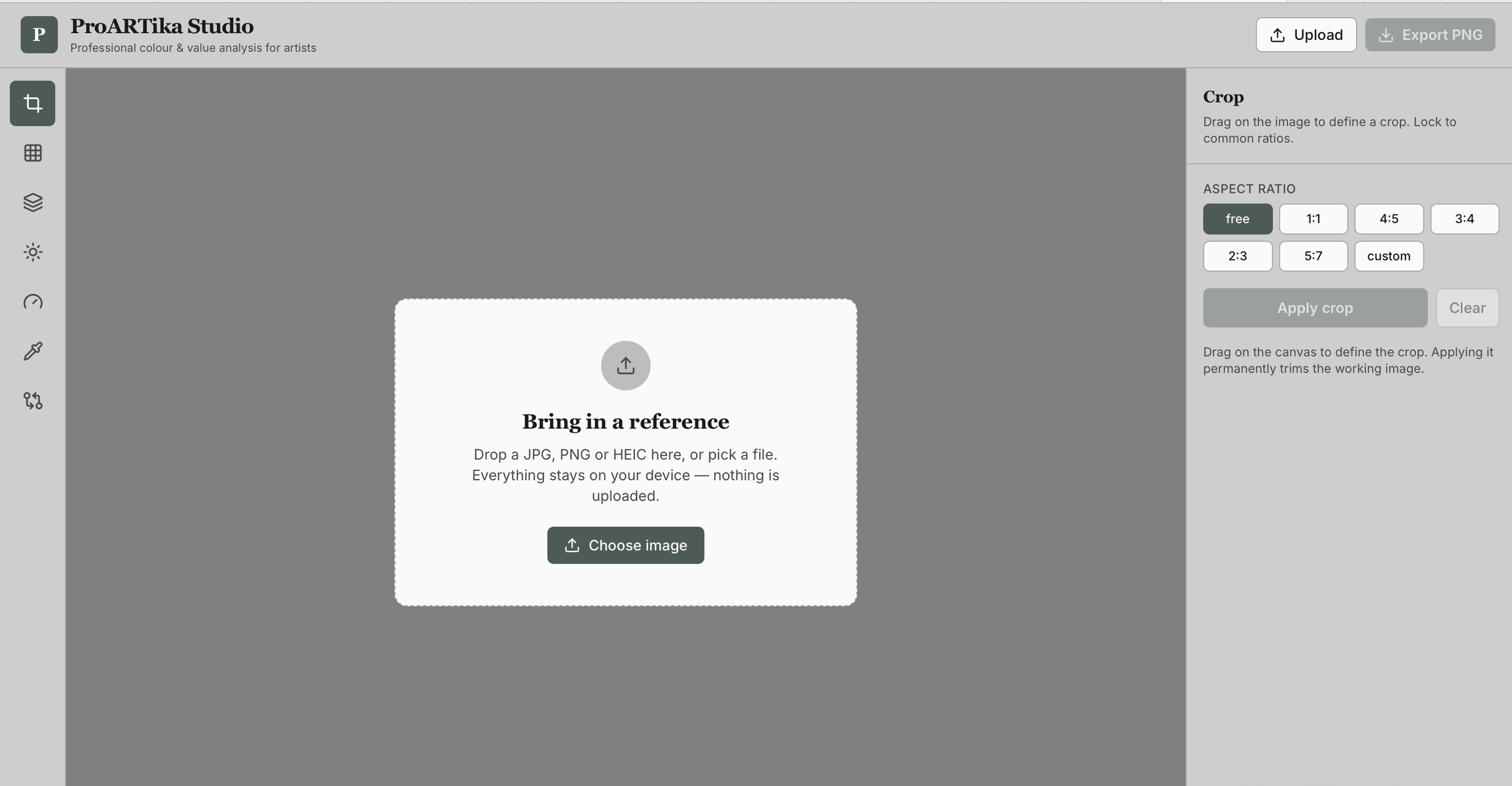
ProARTika Dashboard Preview
Founding Members Pricing
Be among the first to access ProARTika Studio at a special price — available for a limited time only.
Founding Members Price $39 AUD / year
Regular Price $59 AUD / year
Lock in your Founding Members rate today and keep it for as long as you remain a member.
What you can do
With ProARTika Studio, you can:
Upload your own reference image
Add a grid overlay
Crop and test composition
Create notan and value studies
Check values using a 10-step value scale
Pick and compare colours
Export study images for your studio practice
Best way to use it
For best results:
Use a laptop, desktop or tablet
Upload clear reference images
Start with the value tools before colour
Export your study images
Keep images beside you while painting
Keep your tablet next to you while painting to dynamically check colours and values as you work
Beta Note
ProARTika Studio is currently in beta. The tool is fully working, but we are continuing to refine features and improve the experience based on user feedback.
Noticed something or have a suggestion? We'd love to hear from you.
contact@proartika.com
Thank you for being one of our Founding Members and for supporting the development of ProARTika Studio.
ProARTika Studio in Action — Full Feature Walkthrough
Frequently Asked Questions
-
ProARTika Studio is an online tool designed for painters and visual artists. It helps you analyse reference images before you begin a painting, so you can make more informed decisions about composition, value, and colour.
-
ProARTika Studio is for anyone who paints from reference — whether you're a beginner building foundational skills or an experienced artist who wants a faster, clearer way to study your references. It works across all painting mediums.
-
No. ProARTika Studio runs in your browser. For the best experience, we recommend using a laptop, desktop, or tablet.
-
Yes. You upload your own reference images directly into the tool. Your images are used only within your session and are not stored or shared.
-
Full access to all current features of ProARTika Studio for one year at the special rate of $39 AUD. As a Founding Member, you lock in this price for as long as you remain a member, even after the regular price of $59 applies to new members.
-
ProARTika Studio is currently in beta. All core features are working, and we are actively refining the experience. Founding Members get access now and benefit from improvements as they are released.
-
We welcome your feedback. Please email us at contact@proartika.com and we'll look into it.
-
There is no free trial at this stage, but you can watch our overview video to see all the features and a full demo of the tool before you decide. The Founding Members price has also been set to make access as affordable as possible while the tool is in its early phase.